Every blackbox tool tells you what your quad did. This one tells you what it will do.
Fly one frequency sweep and Setpoint measures the airframe itself, separately from the tune on it. After that you can move a slider at the bench and watch the step response change before you put a pack in.
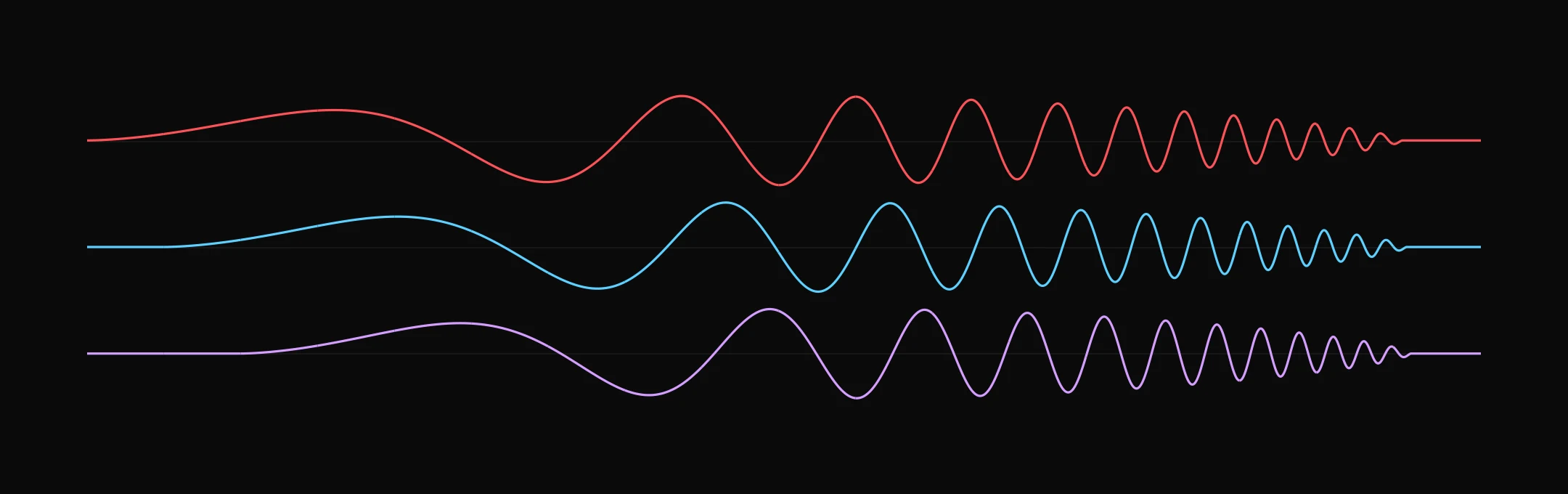
One flight, read properly
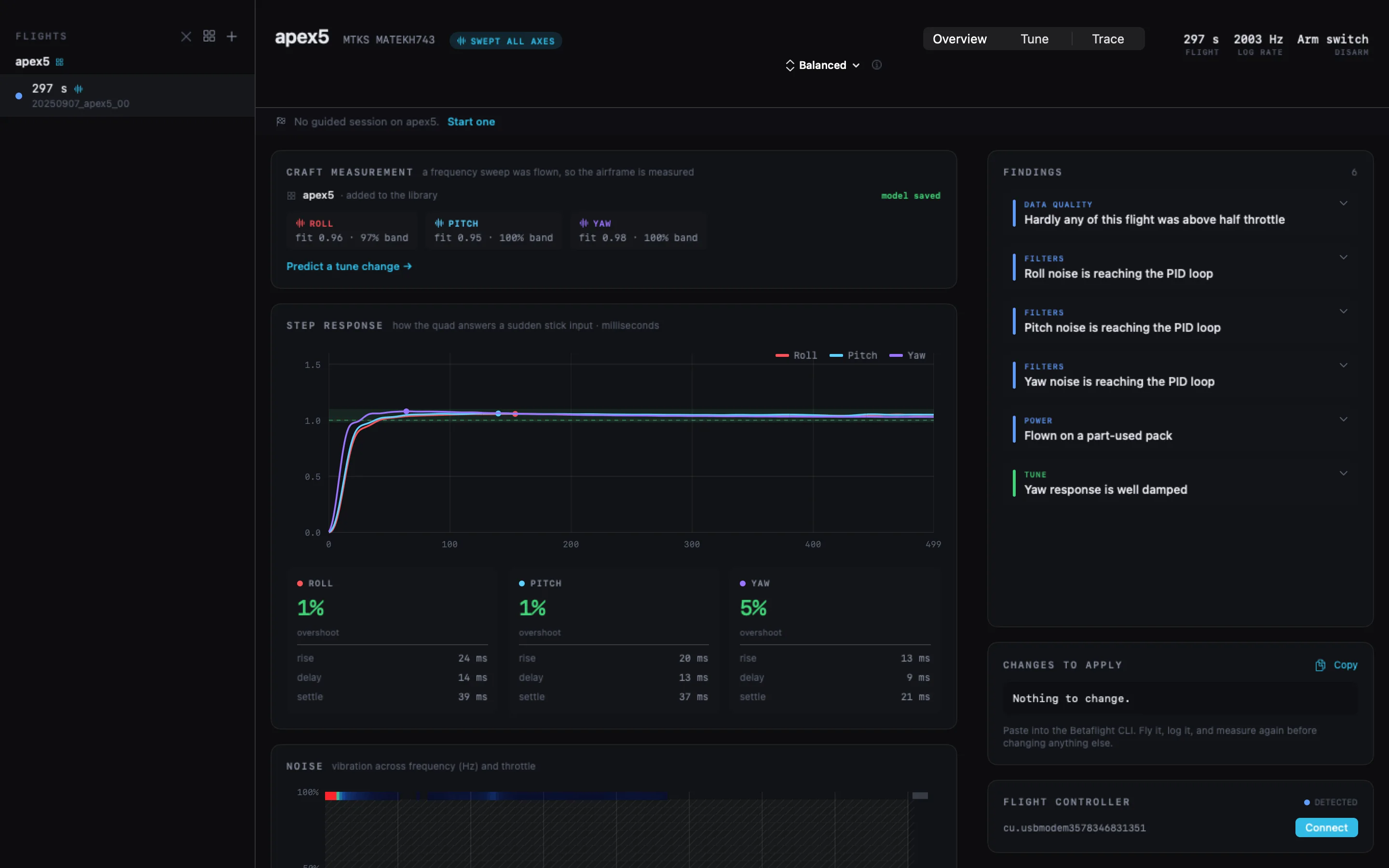
Step response per axis, a noise map across throttle and frequency, and findings that show the measurement behind them. Every one comes with the CLI line that acts on it.
Move a slider. See the flight you haven’t flown.
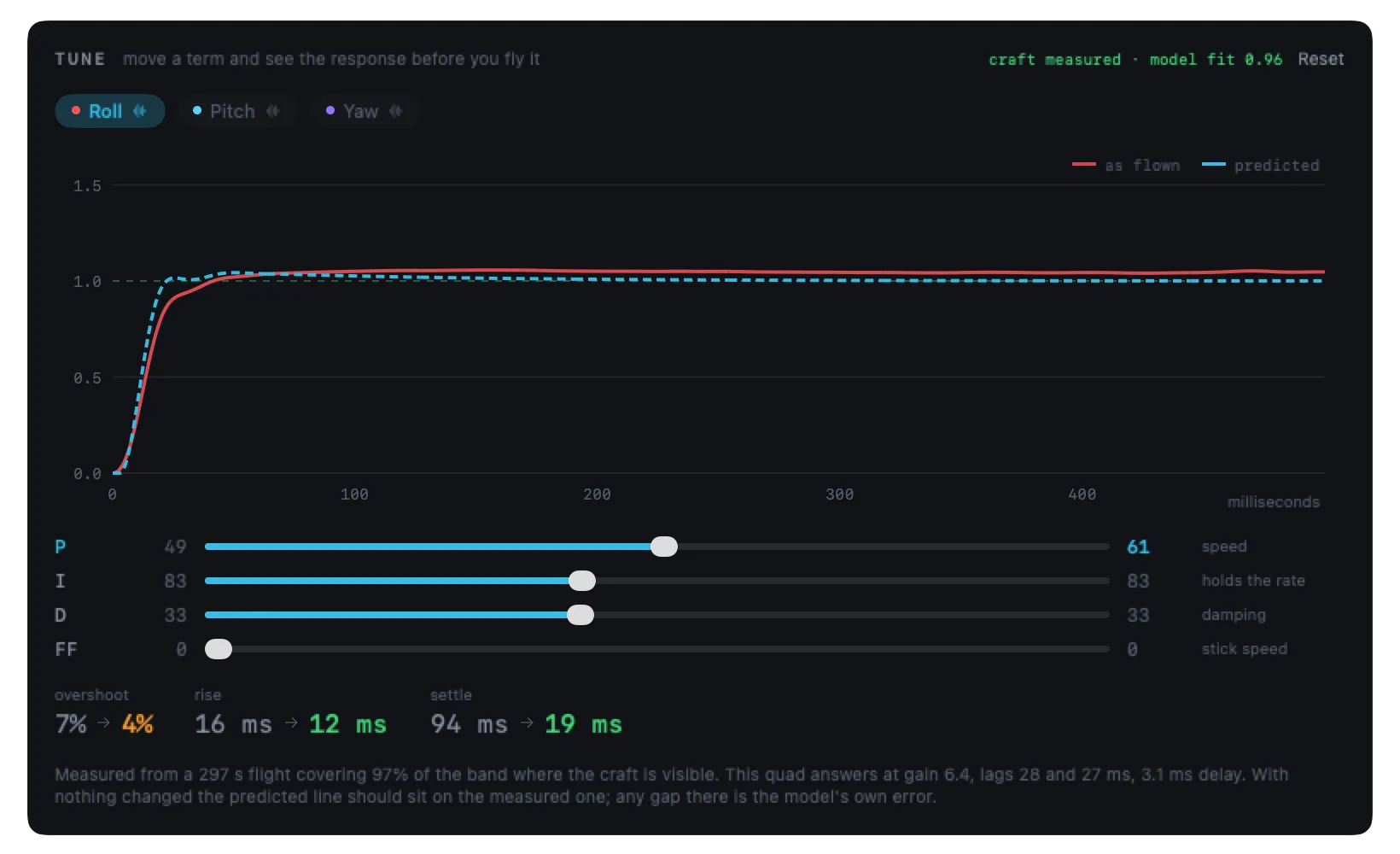
Your PIDs change on a whim. The mass, the motors and the props do not. Once those are measured you can try any tune against them without leaving the bench.
Here P goes from 49 to 61 on roll and the dashed line is what the quad would do. Put everything back and it lands on the measured line; whatever gap is left is the model showing you its own error.
No sweep in the log and the sliders still work, standing a stock airframe in for
yours. Those numbers are marked indication only. They show which way
a change goes, not what your quad will do.
It starts with a sweep
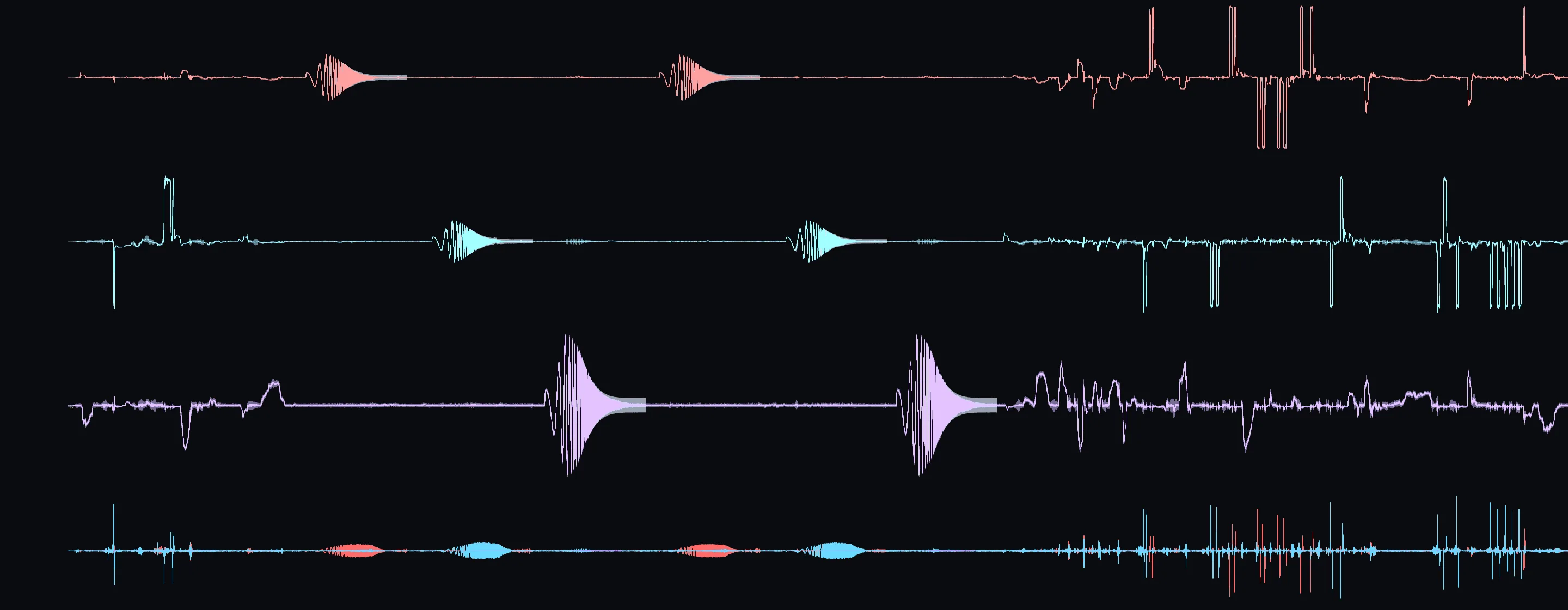
Normal flying cannot measure a quad, because the frequencies that would show it are the ones the PID loop is busy hiding. A chirp drives the axis through the whole band on purpose. Flip a switch, hover, done.
Measure once. Every flight after it benefits.
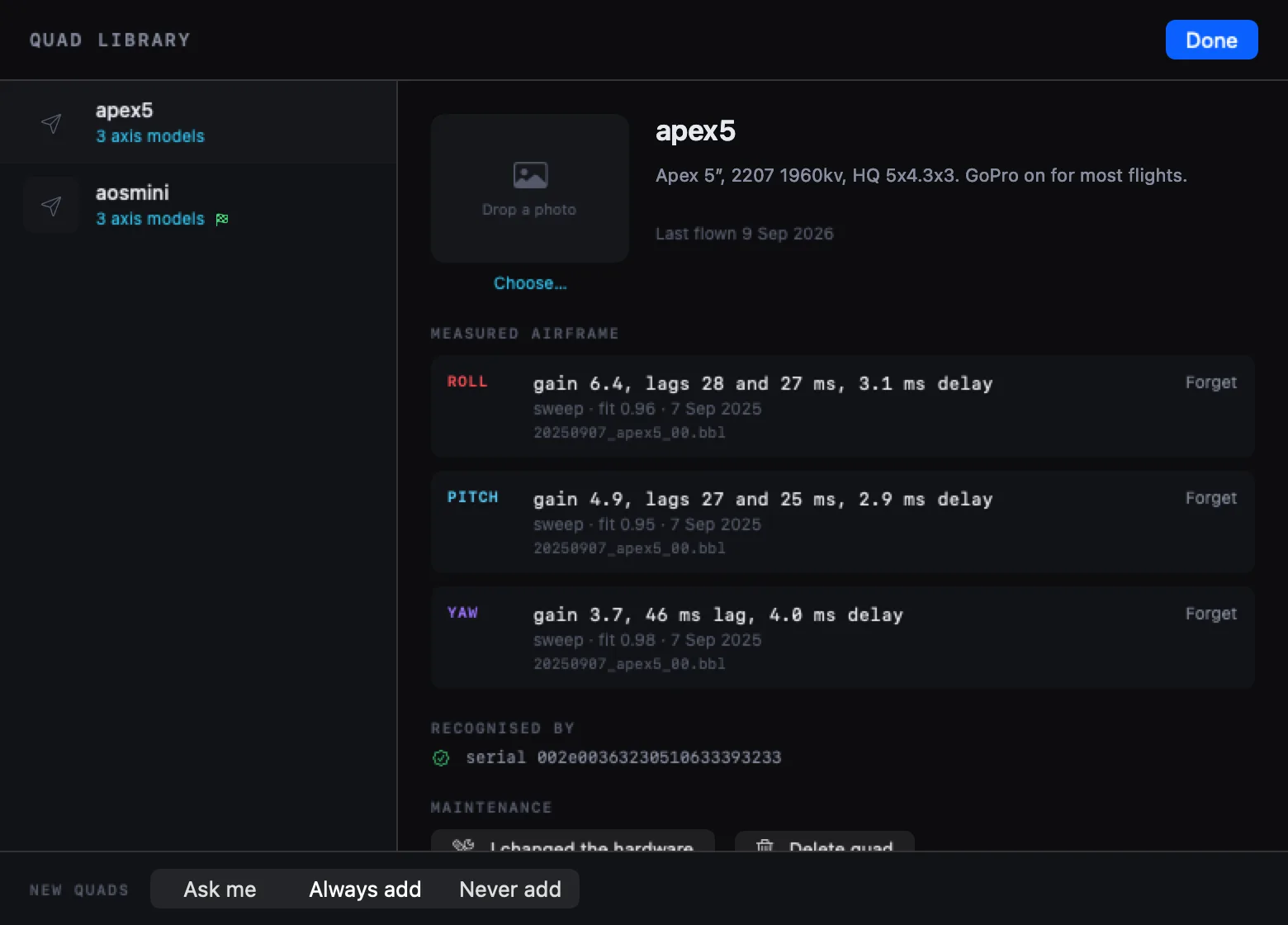
Fly the sweep once. The model is kept against that quad, and every later flight borrows it: the airframe from last week, the tune from today.
Quads are recognised by the flight controller's serial number, which Betaflight 4.6 writes into every log. Rename the craft or reflash the board and it is still the same quad.
A session that knows when to stop
Guided tuning gives you one change at a time across a week of flying, and scores each one on what the next log measured rather than on what it predicted.
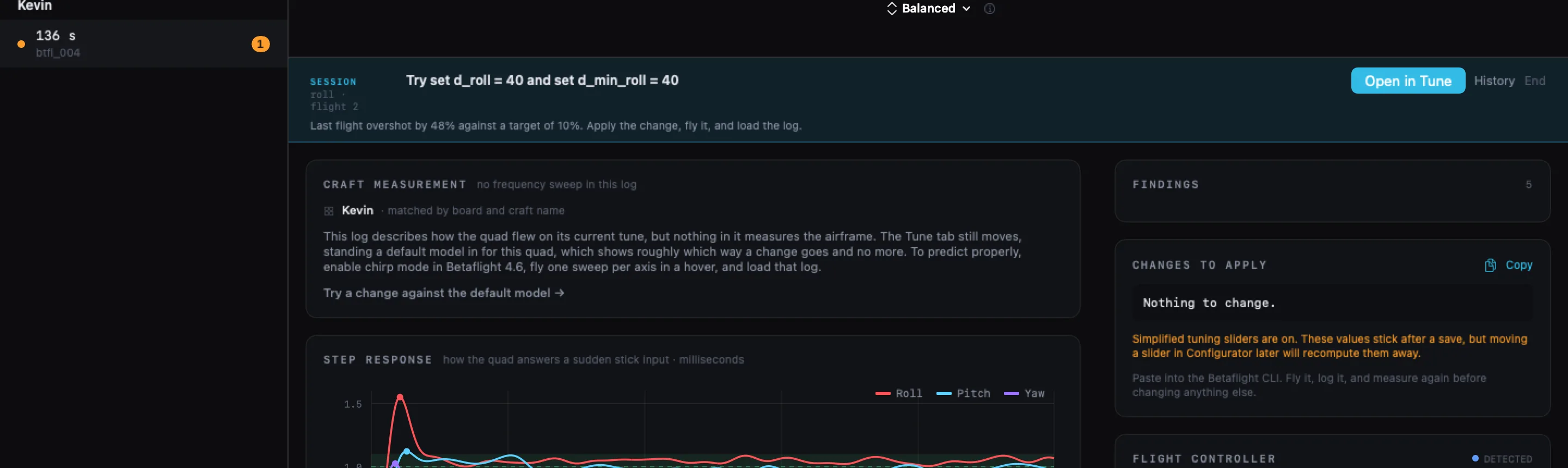
It names one change
One finding’s worth at a time. Change six things at once and you cannot tell which of them helped.
You fly it
Whether the change actually took is read out of the log. A line typed without a save looks exactly like one that worked.
It measures
Scored on the step response in the returning log. If the change went the wrong way it says so and offers to put it back.
It stops
An axis is done when the method runs out of changes, or when three flights running barely move the response.
Tune it your way
Pilots disagree about how to tune, and that is a real disagreement rather than something an app should settle for you. Pick the method and the same flight is read a different way. The measurements underneath do not move.
A little overshoot traded for speed. Small steps, one change at a time.
Critically damped, following UAV Tech’s published PID tuning principles.
Methods are plain JavaScript files. Drop one in a folder and it appears in the picker.
Write your own and pass it round. Nothing about it is built into the app.
What you need
- Logs
.bbl,.bfland.txt. Betaflight 4.6 or newer to fly the sweep.- Over USB
- Reads and writes the tune and clears onboard blackbox flash. It will not touch anything while the quad might be armed. Logs on an SD card have to be pulled, because Betaflight’s erase does nothing for a card.
- Filters
- Change a gyro filter and the stored model is set aside, naming what moved. Change PID gains and it carries on, which is the whole point of it.
- Requires
- macOS 15 or later, Apple silicon.
Fly the sweep once. Stop guessing after that.
Betaflight only. Nothing here is compromised to support anything else.